

Continue reading “Now You can Use Amazon Alexa on Your Smartphone”
Xiaomi about to Launch a Premium Smart TV with 120Hz OLED Panel on July 2

Government Officially Bans 59 Chinese Apps in India

[2 Methods] Find out Songs Played Nearby on Android

Music has always been our mode changer and we hear a number of them day by day. We all have a thirst: find out the name of a new song that we hear and end up resulting in finding nothing. This thesis will quench your thirst.
Method I
This method requires the installation of no apps apparently. You can easily figure out the name of the song played nearby using the built-in functionality that comes with Android– Google Assistant.
In case your phone does not come with Google Assistant by default click the button below to download it.
As the functionalities performed by smartphones are becoming more and more day by day, so do the functionalities in Virtual Assistants. As of now, Google’s Assistant is rated on top among all the other Assistants out there. As of June, no other Assistant other than Google Assistant can perform this duty.
Procedure (Google Assistant)
Step 1: When you hear a song you want to find the name for toggle the Google Assistant on your device.
Step 2: Upon toggling you will see an automatic suggestion put forward by the Assistant itself namely ‘What’s this song?’
Step 3: Tap on it. Within some seconds the Assistant will result you with the name of the song.
Method II
This method requires the installation of an app— Shazam, the Apple-owned app, which has been in the game for quite some time now. Earlier this app was used in Android to find out the tracks played nearby. Till now this app is used in iOS to figure out the music played nearby. Download Shazam by clicking on the button below.
Shazam is a bit more advanced compared to Google Assistant with more features that lets you choose microphone, connectivity to music streaming apps, etc.
Procedure (Shazam)
Open up Shazam and tap on where it says ‘Tap to Shazam’. Within some seconds the app will show you the name of the song.
How does it work?
Both Google Assistant and Shazam analyse a small piece of the track that’s played nearby with the help of the microphone on the device.
Denouement
There are two ways in which you can find the music played nearby you when it comes to Android namely Google Assistant and Shazam. Both of them are great and come with their own features. If you don’t care for features and your usage is just to find the name of the song, then Google Assistant is the right option for you. But if you are a person who wants everything to be in a more advanced way, Shazam is perfectly suited for you. Both the apps can find the name of the songs for you.
Facebook Starts Rolling Out Dark Mode for Mobile App Users

Increase the Speed of Slow Windows PC with a USB Drive
Microsoft first introduced functionality to use USB (Universal Serial Bus) as Cache Memory back in Windows Vista. Later this feature was also implemented in Windows 7 followed up by the later versions also. ReadyBoost, as called by Microsoft, is a feature riched functionality in Windows OS that allowsContinue reading “Increase the Speed of Slow Windows PC with a USB Drive”
Samsung Galaxy Note 10 Lite Price Cut in India ₹5000 Cashback Offer Announced
Samsung Note 10 Lite price has been dropped to Rs. 37,999 for the 6GB variant while 8GB variant is made available at Rs. 39,999. In addition to the price cut, the company has also offered Rs. 5000 of cashback for customers using Citibank plastic money during the purchase. Continue reading “Samsung Galaxy Note 10 Lite Price Cut in India ₹5000 Cashback Offer Announced”
Download Movies Fastly to PC For Free

Are you looking forward to downloading movies to your computer without having to infect your PC with viruses by going to some sort of unusual sites? Aren’t you interested in downloading movies using torrent clients for some reason and want to find a way to do it?Continue reading “Download Movies Fastly to PC For Free”
Best Offline/Online Games to Kill Time When You are BORED

Are you bored of being in the home doing nothing? Do you think you want the day to be productive and comes to know that you have nothing to do to make your day the way you wish? Want to make the day AWESOME and ENGAGING??? I have got you covered. In this article, you can find the ‘Best Offline/Online Time-Killing Games’ that you can download for free. Continue reading “Best Offline/Online Games to Kill Time When You are BORED”
Android & iPhone WhatsApp beta users get QR code support for saving contacts within itself
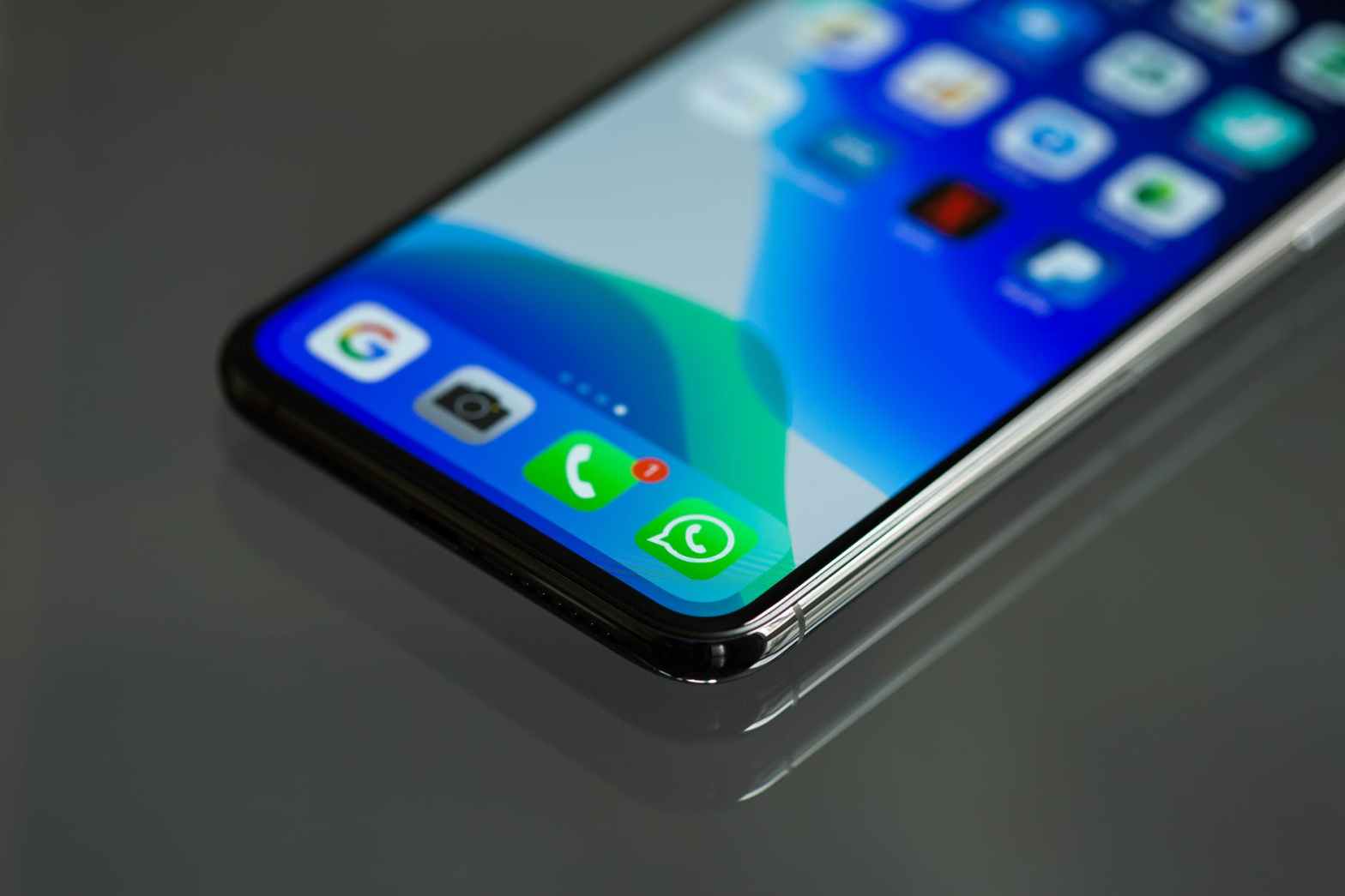
Now you can save contacts by scanning a QR Code
The Facebook-owned company has been testing an extremely handy feature in WhatsApp beta v2.20.171 for Android and v2.20.60.27 for iOS to save contacts within WhatsApp via QR code. The beta testers can now experience the facility and provide feedback ahead of the public though the company hasn’t released any official statements regarding the update.Continue reading “Android & iPhone WhatsApp beta users get QR code support for saving contacts within itself”
 Infiac